Field notes from the cloud.

Lessons, patterns, and gotchas from hosting Windows business software in production, written down so you can skip them.

If Your Server Failed Today, Would You Be Ready?

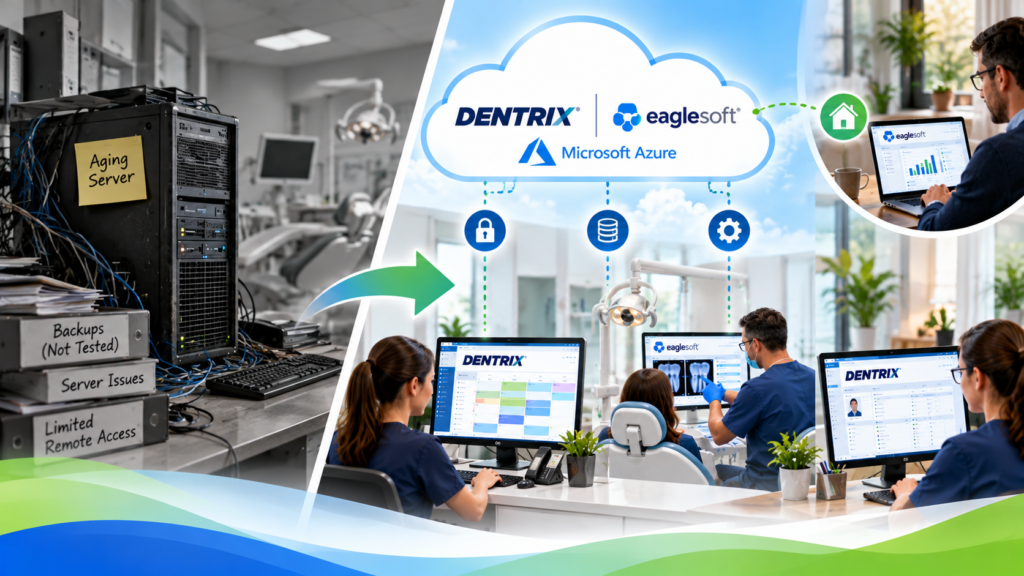
What happens if my server fails? The blunt answer: work stops. Nobody can open the software, nobody can reach the data, and your whole team sits idle until someone fixes it. If your backups are solid, you lose hours. If they are not, you can lose days, or the data itself. That is the risk […]

Read the post

7 Myths About Moving Your Business to the Cloud

Most of the reasons small businesses give for not moving to the cloud are myths, and they are the same seven every time. Moving to the cloud does not mean replacing your software, it is not less secure than the server in your closet, and it rarely means days of downtime. This post takes the […]

Read the post

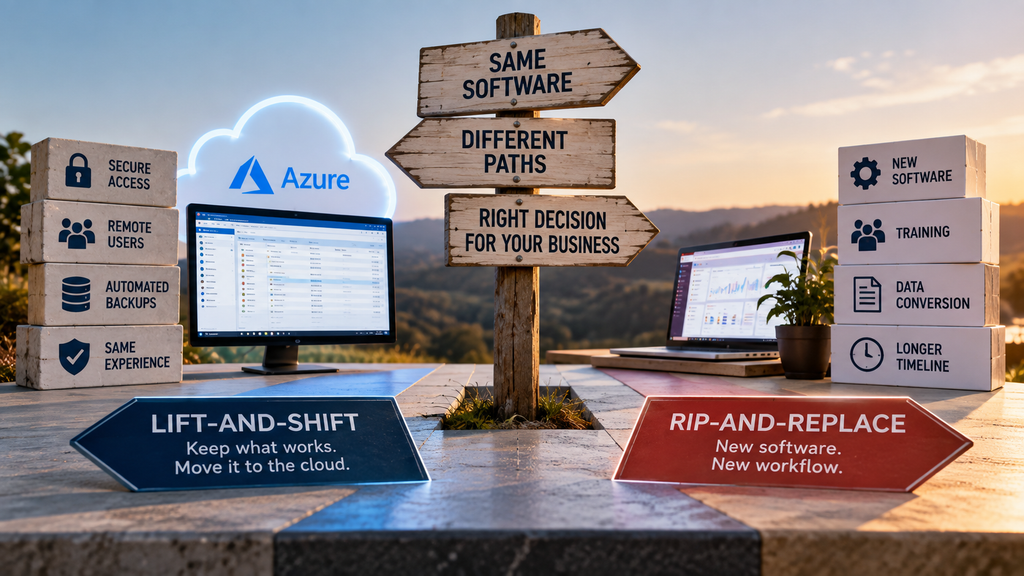
7 Signs It’s Time to Replace Your Office Server

The clearest signs it’s time to replace your server are age, failing backups, constant remote-access headaches, and a repair bill that makes you wince. If two or three of those sound familiar, the server in your closet is closer to the end than you think. But here is the part most articles leave out: replacing […]

Read the post

Cloud vs On-Premise Software: Which Is Right for Your Business?

Cloud vs on-premise software comes down to a trade between control and convenience. On-premise means the software runs on hardware you own and manage in your office. Cloud means it runs on managed servers you reach over the internet. On-premise gives you direct control and a one-time purchase. Cloud gives you access from anywhere, automatic […]

Read the post

Cloud Hosting for Small Business: A Plain-English Guide

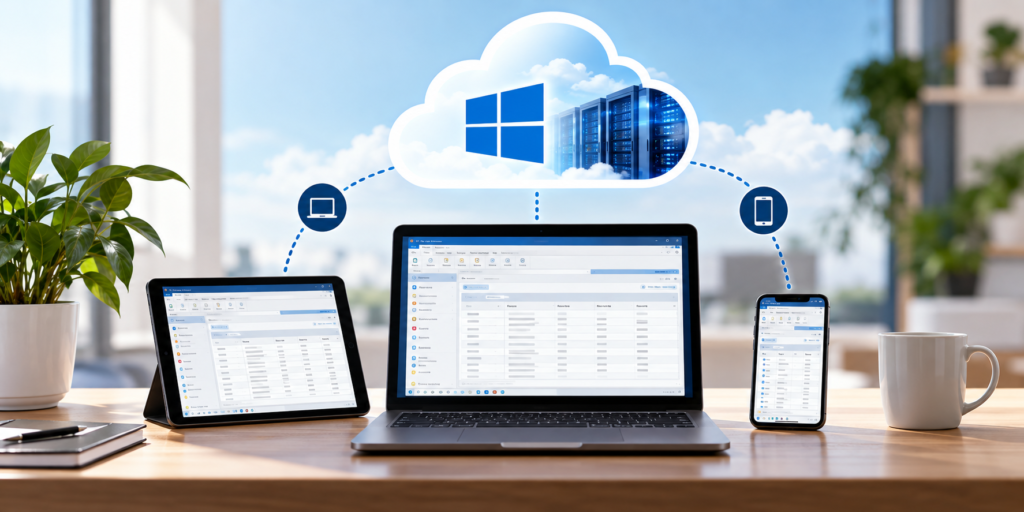
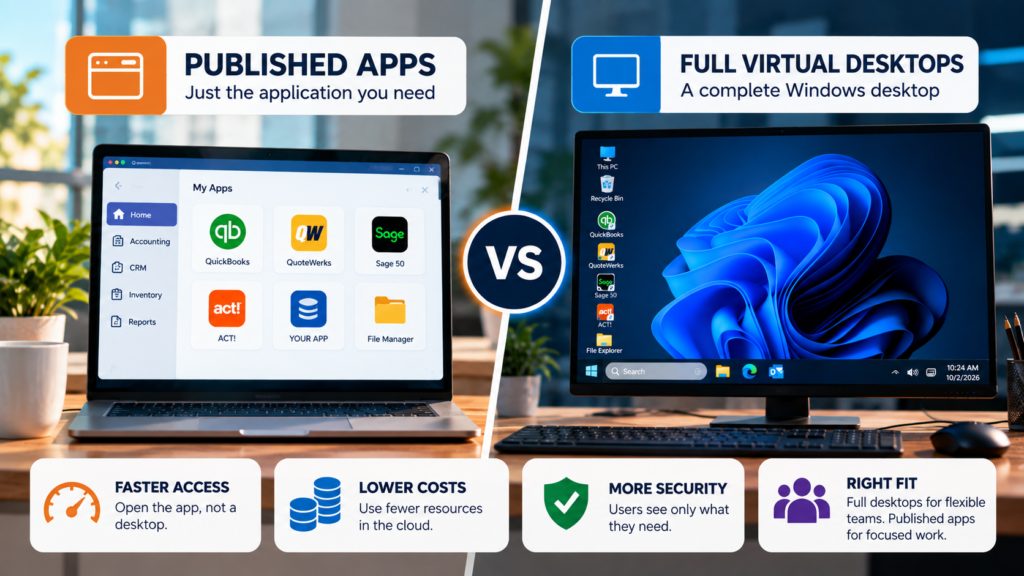
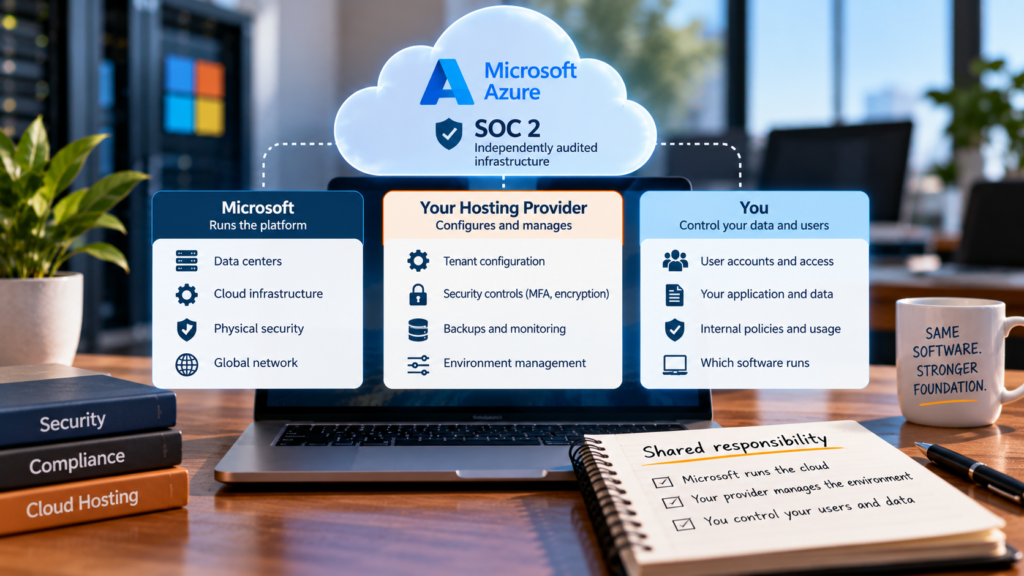
Cloud hosting for small business means running the software your company already uses on servers in a data center instead of on a machine in your office, so your team can reach it from anywhere. For most small businesses, that means taking the Windows program you rely on every day and hosting it in the […]

Read the post

On-Prem Server to Cloud Migration: A Step-by-Step Guide

An on-prem server to cloud migration moves the Windows software running on the server in your office into a hosted environment on Microsoft Azure, so your team reaches it from anywhere. For a single app, the whole move usually takes under 48 hours, and your old server keeps running until you are ready to switch […]

Read the post

Can My Software Be Hosted in the Cloud? How to Tell in Minutes

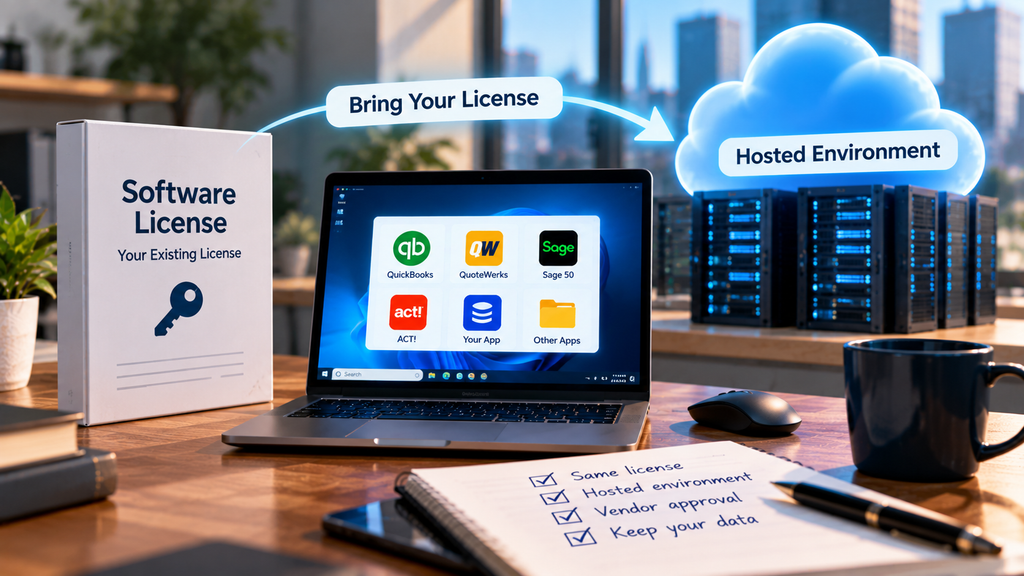
Can my software be hosted in the cloud? In most cases, yes. If your program runs on Windows and more than one person uses it, it can almost certainly be hosted, which means we run it on Microsoft Azure and your team reaches it from anywhere, without changing the software. The exceptions are narrow: a […]

Read the post

The Smarter Way to Run Windows Pest Control Software Anywhere

You can absilutely run your pest control software in the cloud without replacing it. Pest control software hosting means we take the Windows routing, scheduling, and billing program your office already runs and host it on Microsoft Azure, so your techs in the field and your staff at the desk work from the same live […]

Read the post

Parallels RAS Auto Shop Software Remote Access, Explained

Parallels RAS auto shop software remote access means a technician signs in from a tablet at the vehicle the same way the service writer signs in from the front counter, both looking at the same live data, at the same time. No VPN, no waiting for a shared PC, no separate login process for people […]

Read the post

Mitchell1 Hosting: Multi-Bay Auto Shop Access Anywhere.

Mitchell1 hosting moves your shop’s estimating and repair software off the back-office server and into a hosted environment every bay can reach at once. No rebuild, no new interface for technicians to learn, and no waiting for the one workstation with Mitchell1 installed to free up. Key takeaways Mitchell1 hosting runs your existing Mitchell1 installation […]

Read the post