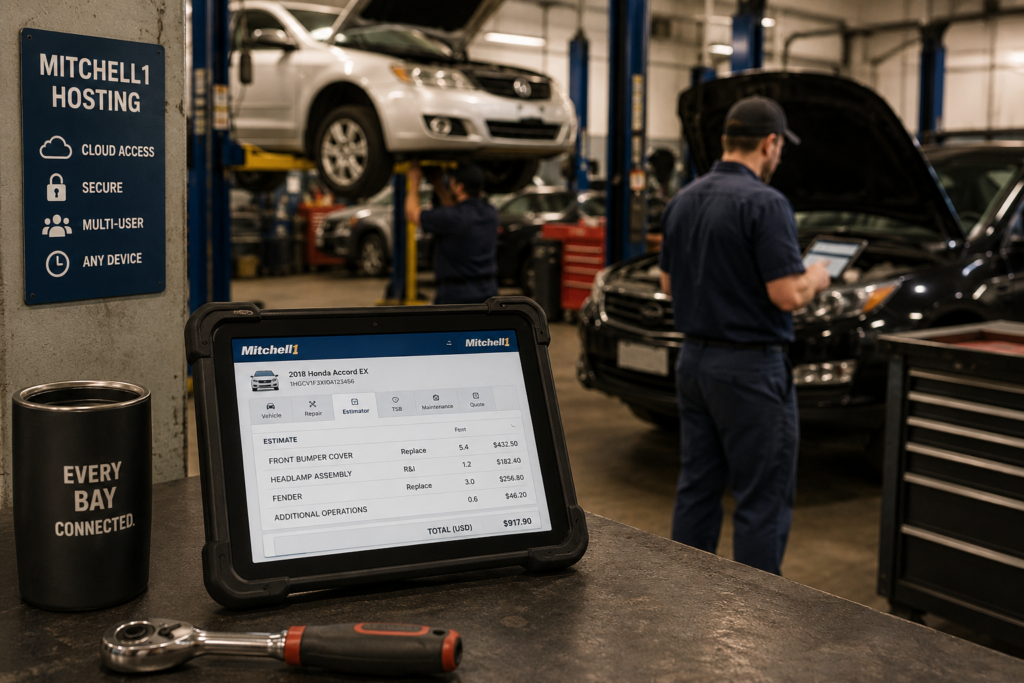
Mitchell1 hosting moves your shop’s estimating and repair software off the back-office server and into a hosted environment every bay can reach at once. No rebuild, no new interface for technicians to learn, and no waiting for the one workstation with Mitchell1 installed to free up.
Key takeaways
- Mitchell1 hosting runs your existing Mitchell1 installation from Microsoft Azure, published through Parallels RAS, with no software rebuild.
- Every bay gets its own concurrent access instead of technicians waiting on one shared workstation.
- Techs can pull up estimates and repair data from a tablet at the vehicle, not just the front counter PC.
- A single-shop Mitchell1 environment is typically live in under 48 hours.
- You keep your existing Mitchell1 license in most cases. No forced platform switch.
What Is Mitchell1 Hosting?
Mitchell1 hosting means your existing Mitchell1 installation runs inside a secured Azure environment instead of a single PC or server in your shop. Parallels RAS publishes the application itself, so technicians see Mitchell1 exactly as they do today. There’s no virtual desktop, no unfamiliar login screen, and nothing new to train staff on.
What changes is where the software runs and how many people can reach it at the same time.
Why Do Multi-Bay Shops Need Mitchell1 Hosting?
Most shops didn’t plan for multi-user access when Mitchell1 first went in. It landed on one machine, usually at the service counter, and every bay learned to work around it. A tech waits for the counter PC to free up. Estimates get written on paper and re-entered later. A busy Saturday turns into a line for the one computer that has the software installed.
Mitchell1 hosting removes that bottleneck. Every bay, every tablet, every technician gets their own session into the same environment, at the same time, without buying and licensing a separate workstation for each one.
| Factor | One shared workstation | Mitchell1 hosting |
|---|---|---|
| Concurrent access | One tech at a time, everyone else waits | Every bay works at once, no queue |
| Device flexibility | Tied to whatever PC has Mitchell1 installed | Mac, PC, or tablet, from any bay |
| Backups | Whatever’s configured on that one machine, if anything | Automated daily, with tested restores |
| What happens if that machine dies | The whole shop stops writing estimates | Nothing. The environment doesn’t depend on one PC |
How Fast Can a Shop Move to Mitchell1 Hosting?
For a single-shop setup, most environments are live in under 48 hours, from the discovery call to technicians signing in at every bay. That covers a compatibility check, environment setup with MFA enforced on every login, data migration, and a supervised testing window before the old machine is retired on the shop’s own schedule. Shops running multiple locations or custom integrations with parts-ordering systems take longer, and a good hosting partner tells you which case you’re in before any work starts.
If the real issue is an aging server the whole shop depends on, not just single-workstation access, the broader case for moving off it is in our guide to replacing an office server.
Do You Keep Your Existing Mitchell1 License?
In most cases, yes. Mitchell1 hosting is built on bring-your-own-license, so your existing subscription moves with you rather than getting replaced. Licensing coordination with the vendor happens before your environment goes live, not after.
FAQ
Tired of one PC holding up the whole shop?
A 15-minute discovery call is enough to know what Mitchell1 hosting would cost, what the timeline looks like, and whether your shop qualifies.